Summary
- Flight data on a USB memory stick.
- Import with the Import button
Dynon Avionics’s SkyView can write rich flight data in CSV format on a USB memory stick.
To import the data to CloudAhoy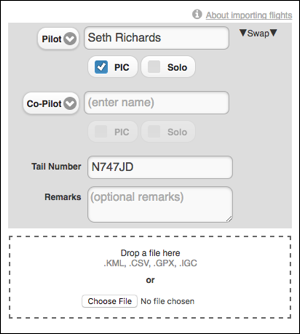
- Insert the USB memory stick into your desktop or laptop computer.
- Open a web browser and login to your CloudAhoy account.
- Click the
 button at the top of the screen. Enter the flight’s pilot names, tail number and optional remarks (you can edit all these later), click Choose File and select the CSV file with the data, then click Open. Alternatively, drag and drop the CSV file from your computer into the drop area.
 - The flight now appears in your flight list, and is ready to be debriefed.
Important
CloudAhoy can import CSV files with one flight only. Make sure you delete the flight from the memory stick before using it for the next flight.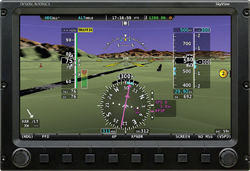
When debriefing flights imported from SkyView, you will have access to rich profile data.